
Select the install language and click the Ok button.

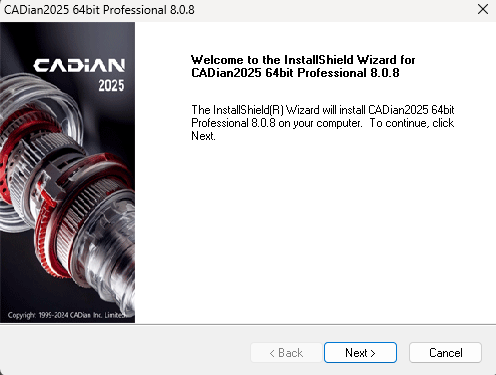
When the InstallShield Wizard opens, click the Next button.
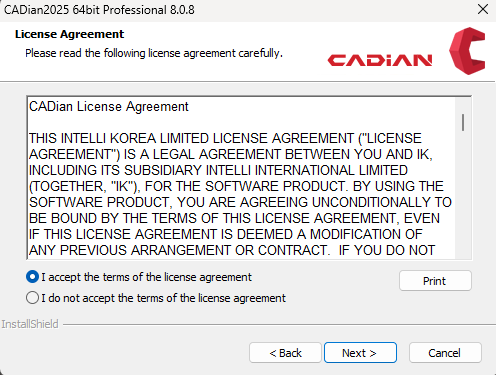
Select "I accept the terms of the license agreement" and click the Next button.
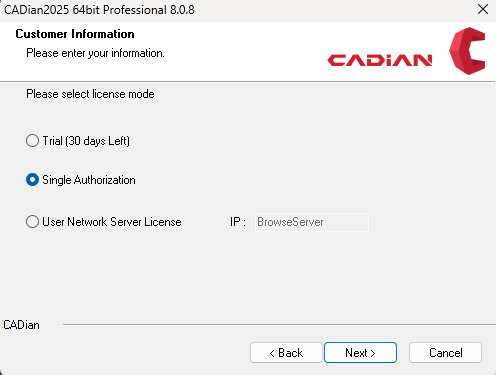
Select the license mode (select Single Authorization in general) and click the Next button.
Trial: A 30-day free trial.
Single Authorization: When you have purchased CADian Pro or Classic.
User Network Server License: When you have purchased CADian Network License
Enter your Name, Company Name, and the Serial Number you purchased, then click the Next button.
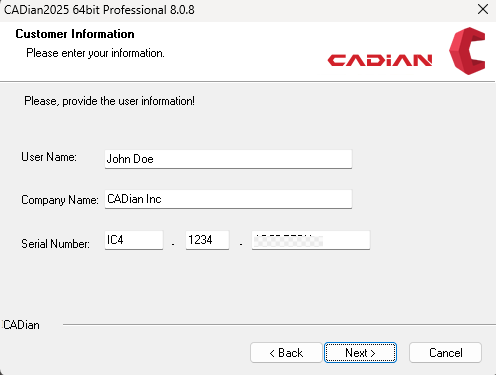
※ Make sure you do not confuse the number (0, 1) and alphabet (O, I).

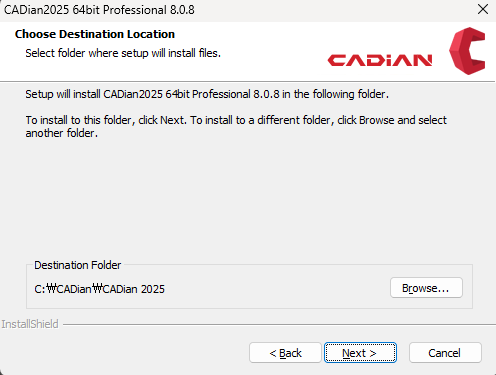
Check the destination folder, and click the Next button.
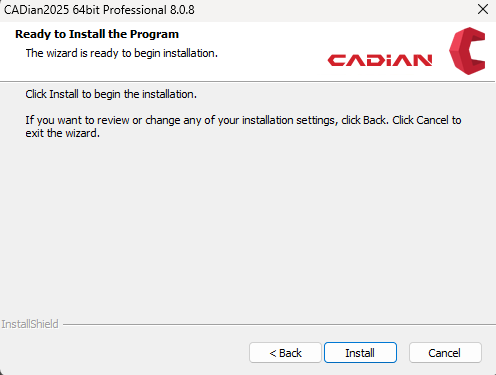
Click the Install button to begin the installation.
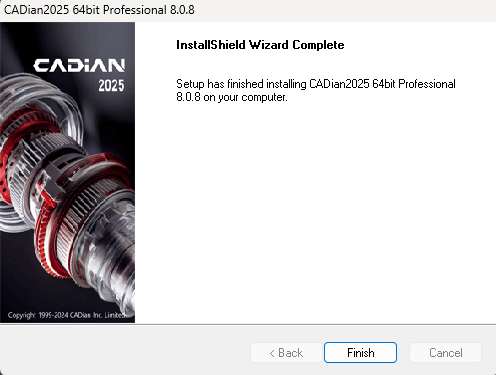
Installation is completed. Click the Finish button.
Related Topics