
Change Language
This is the user preference language to display all web services provided by CADian.
Supported Languages
Korean
English
Other languages will be continuously added.
How to change your Preferred Language
Sign in to the CADian web service.
Click on the profile image in the upper right corner to access the My Page menu.
Navigate to the Settings page > Language section > Language field
Click the edit button at the far right of your language.
In the language settings modal, select your preferred language.
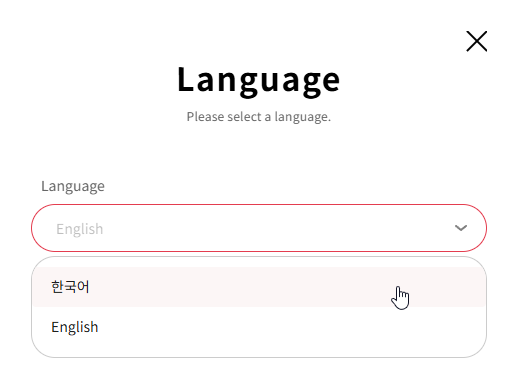
Click the SAVE button to apply the language.
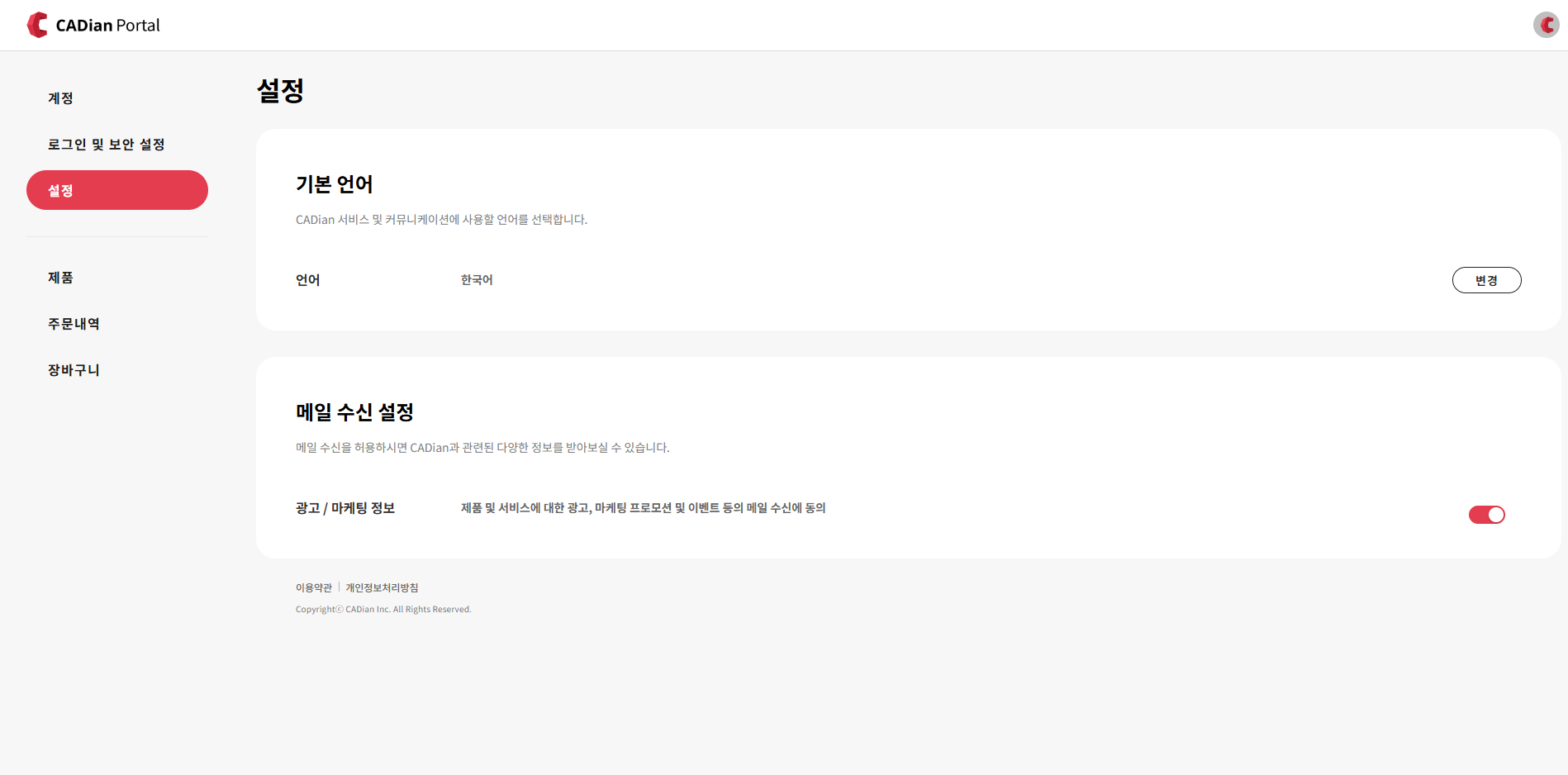
The display language of all other CADian web services, including My Page, will be updated accordingly.