
Department
Department is an optional field.
It may be used to deliver personalized content such as newsletters, product recommendations, promotional events, etc.
How to change your Department
Sign in to the CADian web service.
Click on the profile image in the upper right corner to access the My Page menu.
Navigate to the Account page > Profession Details section > Department field
Click the edit button at the far right of your department.
When the department settings modal opens, select the option that best matches your job.
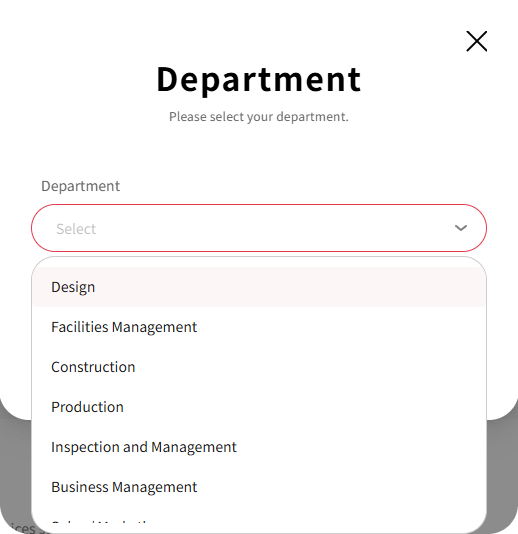
Click the SAVE button to update your department.
To remove your registered department, click the DELETE button in the department settings modal.