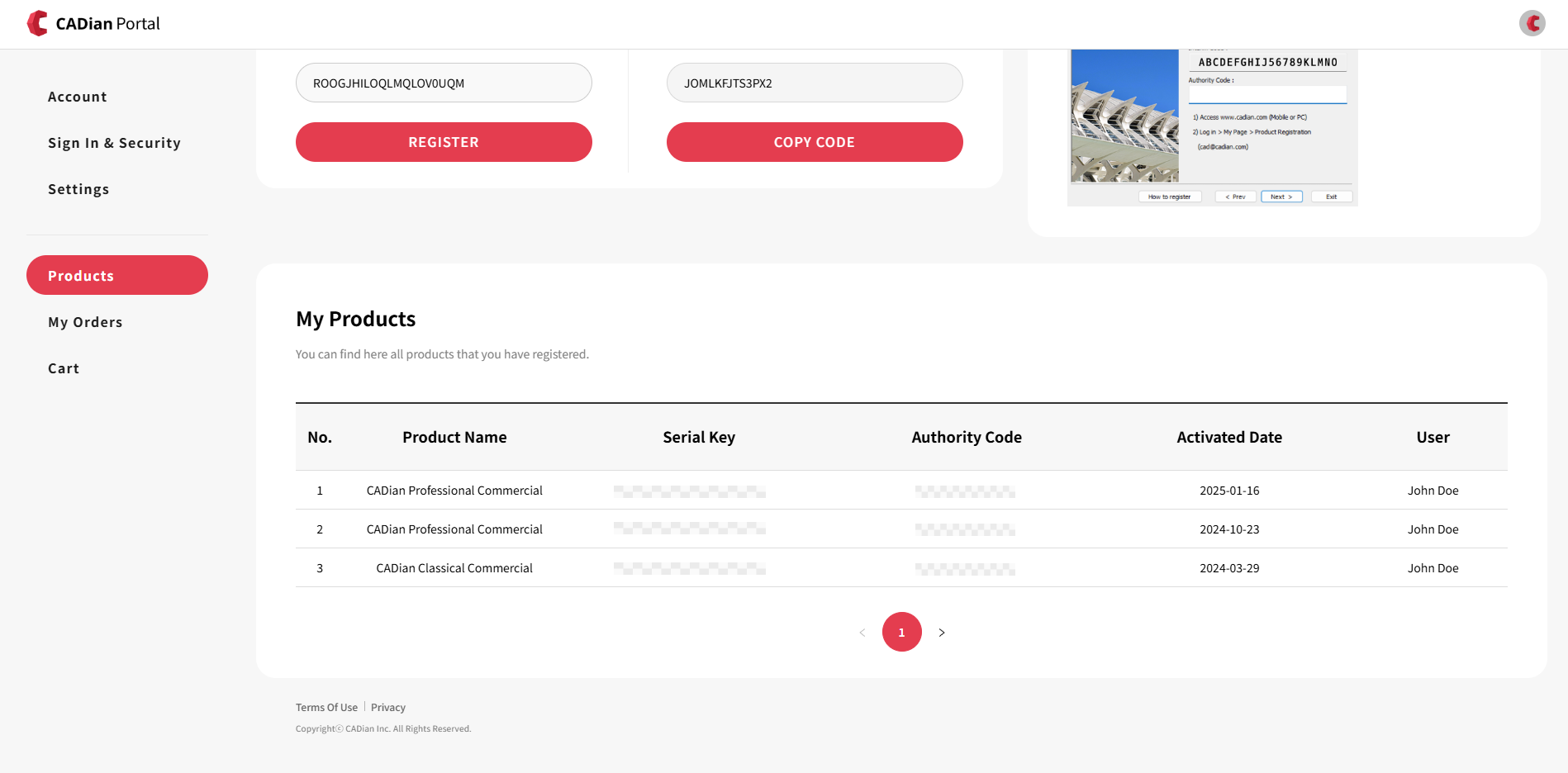
My Products
You can check the list of CADian products in My Page which you completed the Authority registration process.
How to Check Your Product List
Sign in to the CADian web service.
Click on the profile image in the upper right corner to access the My Page menu.
Navigate to the Products page from the left menu.
You can view the following details for the products with Serial Number registered online or manually under your current account:
Product Name
Serial Key
Authority Code
Activated Date
User