
Create a new group as a department or team unit. Available to Owner · Admin only.
How to Create a Group
Click Create Group at the top right of the Groups screen to open the create modal.
Enter the Group Name (required). (e.g., Development Dept., Frontend Team)
Optionally enter a Description (up to 100 characters).
Set the Parent Group.
Leave it empty (Unset) to create a top-level department.
Choose another group to create it as a sub-group. Up to two levels are supported.
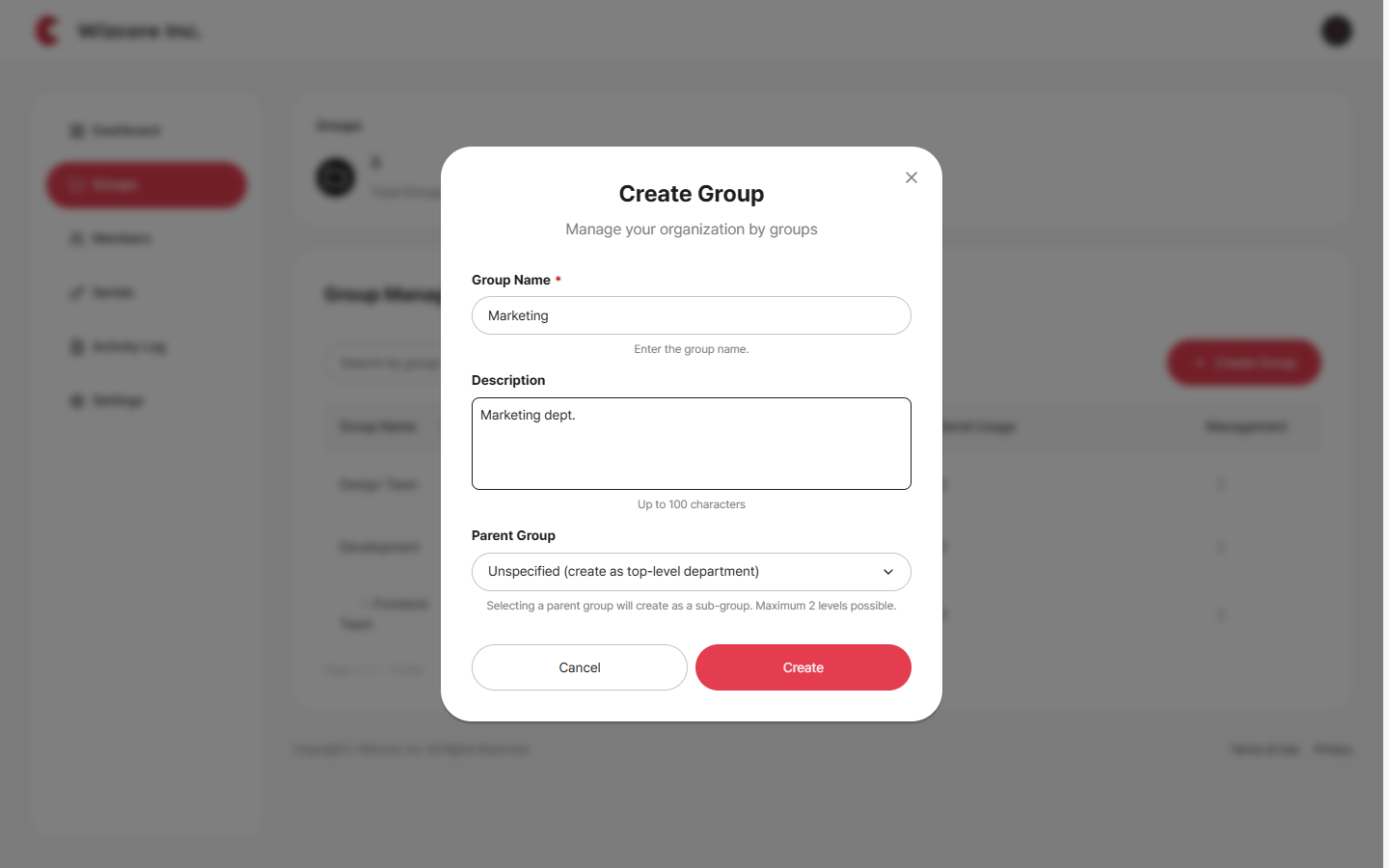
Click Create.
Related Topics