
Remove a registered serial from the organization. Available to Owner · Admin only.
In the serial list, click the Manage column of the target serial's row to show the action menu.
How to Remove a Serial
On the serial row, select Manage > Remove from Organization.
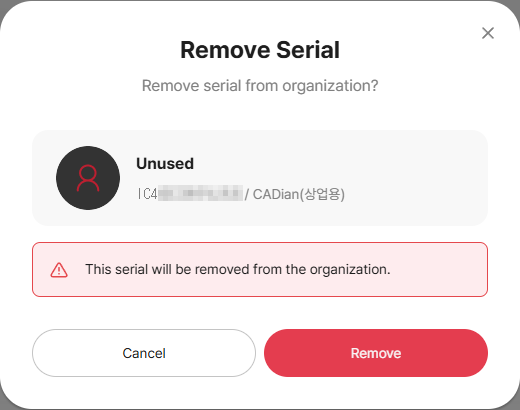
In the confirm modal, review the target serial and notice, then click Remove to release the serial from the organization.
To undo, register again
To use a removed serial again, you must re-register it via Register Serial.
Shows as already registered
It is already registered in another organization or in your organization. Check the reason in the validation result of the Register Serial screen.
Related Topics