
This screen records who did what and when in the organization. Click Activity Log in the sidebar.
Target roles
Only Owner · Admin can view the activity log.
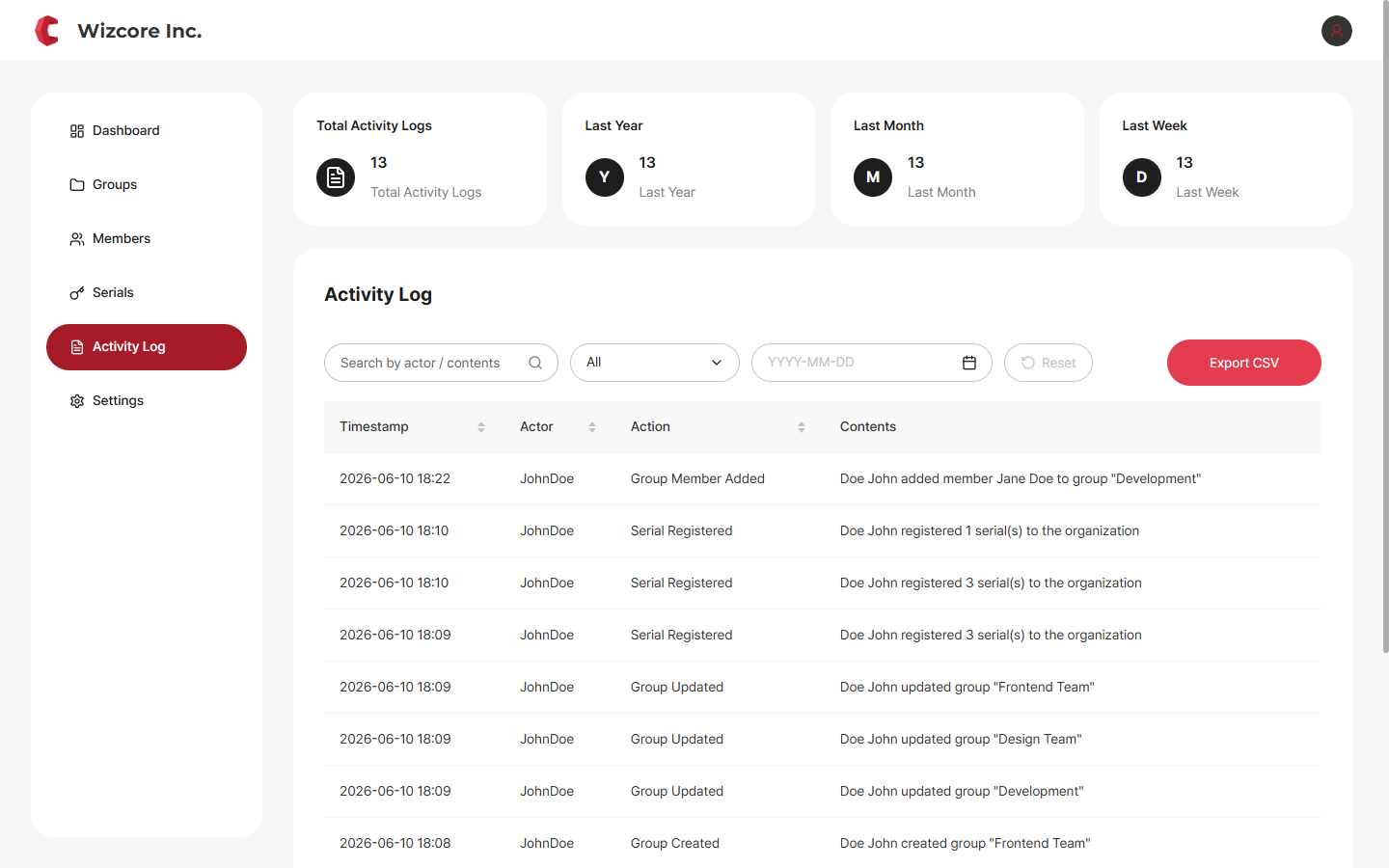
It consists of period summary cards (total · last year · last month · last week) and an activity table (date·actor·action·content).
Components
Search · Filter — Narrow by actor/content search, the Action Type dropdown, and a date range. Use Reset to clear conditions.
Export CSV — Use Export CSV to download the records matching the current conditions as a file.
Records cannot be deleted
The activity log cannot be deleted as it serves audit and security purposes. If you need to keep records, export them as CSV.
Related Topics