
Change a member's role or remove them from the organization. Available to Owner · Admin only.
Change Role
In the Members list, click the Manage column of the target member's row.
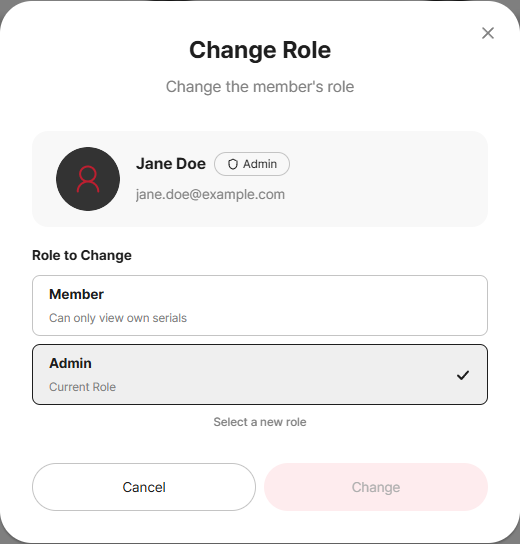
Select Change Role to open the role-change modal.
Choose the new role (Member ↔ Admin) and click Change.
Member : views only their own serials
Admin : manages members·groups·serials·settings
Remove Member
Click the Manage column of the target member's row.
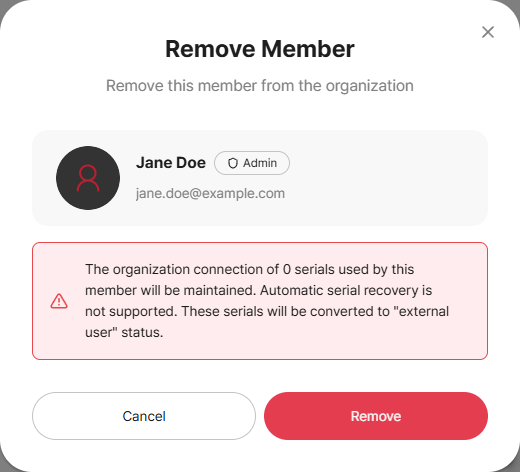
Select Remove Member and click Remove in the confirm modal to exclude that member from the organization.
Removing does not delete the user's CADian account itself. (Only the organization membership is released.)
The Owner cannot be changed or removed
Role change/removal for the Owner does not appear in the Manage menu. To hand over the Owner seat, use Transfer Ownership. Also, an Admin cannot remove another Admin or the Owner.
Related Topics